
Create your free account
Sign up and provide your TradingView username so we can grant access.
No credit card and no countdown. Start with one asset, explore what the tools show and decide how they fit your analysis.
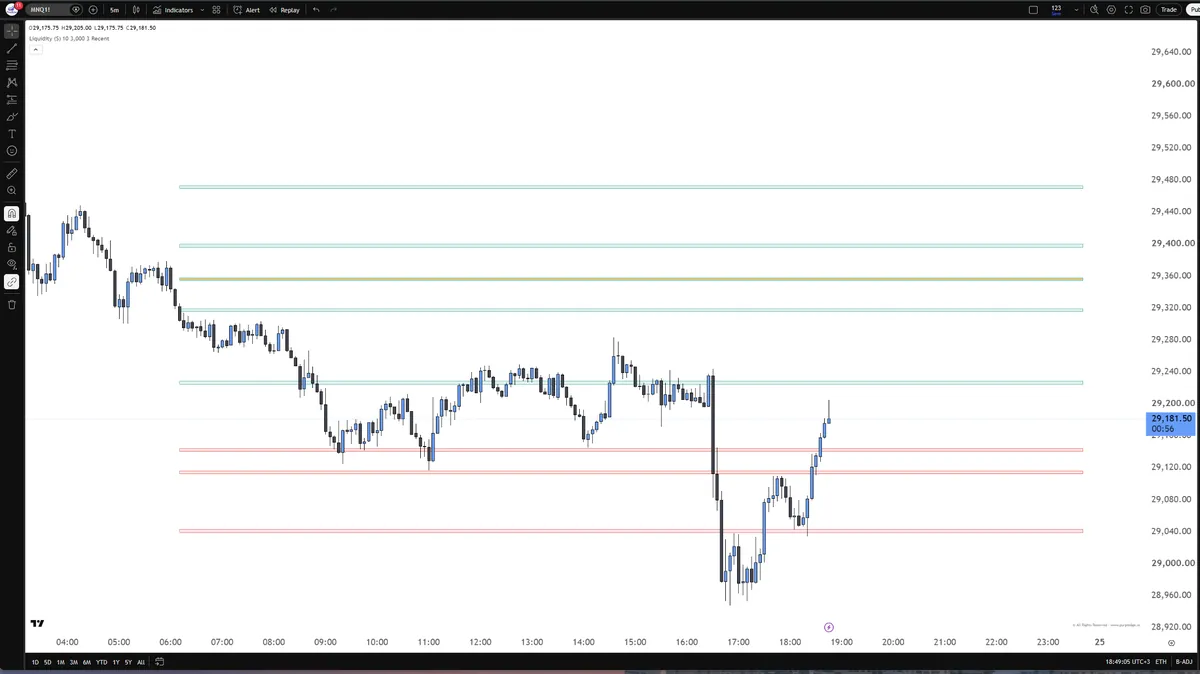
We sent you a one-time link to set up your account. Once you set a username and password, Liquidity Zones and Trendometers open on your TradingView account. Nothing arrived? Check your spam folder too.
 Step 1 · Before you startFind your TradingView username (opens YouTube)You enter it at signup. It is the account we grant your tools to, so it has to be exact.
 Step 2 · After you joinFind your indicators in TradingView (opens YouTube)Where your PurplEdge indicators appear once access is granted, and how to add them to a chart.
Sign up and provide your TradingView username so we can grant access.
Choose an asset, add the indicator to your chart and open the trend gauges in your browser.
Explore the display, see how it fits your analysis and ask questions in the community.
Need help finding your username or activating the tools? The team can help